
Welcome
Same local relationships. New national reach and expanded capability.
Capital Document Solutions is now Agilico. Our office locations in Scotland include Edinburgh, Glasgow, Aberdeen, Inverness, Stornoway and Lerwick. The same team you know and trust is looking forward to continuing to support you.
Download our We are Becoming Guide below for more information on what this means for you.
Download our Guide
Contact Us
Aberdeen
01224 576 090
Edinburgh
0131 557 4454
Glasgow
0141 418 5577
Inverness
01463 239 764
Lerwick
01806 220 500



Managed Print Services
Optimise Your Print Capability
Multifunctional Devices (MFDs) that print, copy and scan are the cornerstone of workplace technology. They provide rapid, reliable and high-quality printing for your teams, while being the gateway to digital document management and workflow processes.
As the largest independent UK managed print services provider of Canon, Sharp, Ricoh, Konica Minolta devices and more, we’re expertly placed to supply, manage and maintain your MFDs so they’re efficient, secure and always ready.
Find out more


Verify
Automated Invoice Processing
Take a highly effective step in your journey from paper-based processes to digital workflow.
Keeping on top of invoice processing is a demanding task for most finance teams and business owners. Without a clearly defined, efficient process for managing supplier payments and outgoings, it’s easy for accounts payable departments to become overloaded and payments to be missed.
We’ll help you scan, categorise and file invoices automatically and make them accessible to your approvers anytime, anywhere.
Find out more
Agilico Connect
Hosted VoIP Telephony
Make sure your teams and customers stay connected and collaborative, with Agilico Connect, our Hosted VoIP solution.
Traditional on-premise telephony is costly, inflexible and limiting for remote employees. We can connect you to our cloud telephony platform – delivering an enriched communications experience for your people, no matter where they are.
Using just an internet connection, you’ll get all the capability of traditional telephony, plus enhanced collaboration capabilities like: MS Teams integration, messaging, conferencing and more…
Find out more


Agile Working & Furniture Solutions
Productivity Built In
Give your hybrid workers everything they need to be effective and efficient.
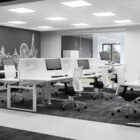
Rapid and continuous change has become normality for organisations – with many adopting flexible patterns of working. Traditional workplace technologies and designs could be holding your people back, limiting your ability to adapt and evolve.
Our agile working capabilities, workplace furniture and office space design will help your teams stay connected, responsive and productive wherever they’re working.
Find out more
Offshore Support & Expertise
Workplace Technology For All
Our extensive installation and servicing experience in the offshore environment allows us to provide workplace technology and expert service to a wide range of offshore companies and locations across Scotland.
From our bases in Aberdeen, Inverness and Shetland, our accredited engineers service and support devices on offshore assets and vessels operated by many of the world’s leading energy companies.
We are the first and, so far, the only company in our market sector to have successfully achieved Advanced Registration with FPAL.

About Us
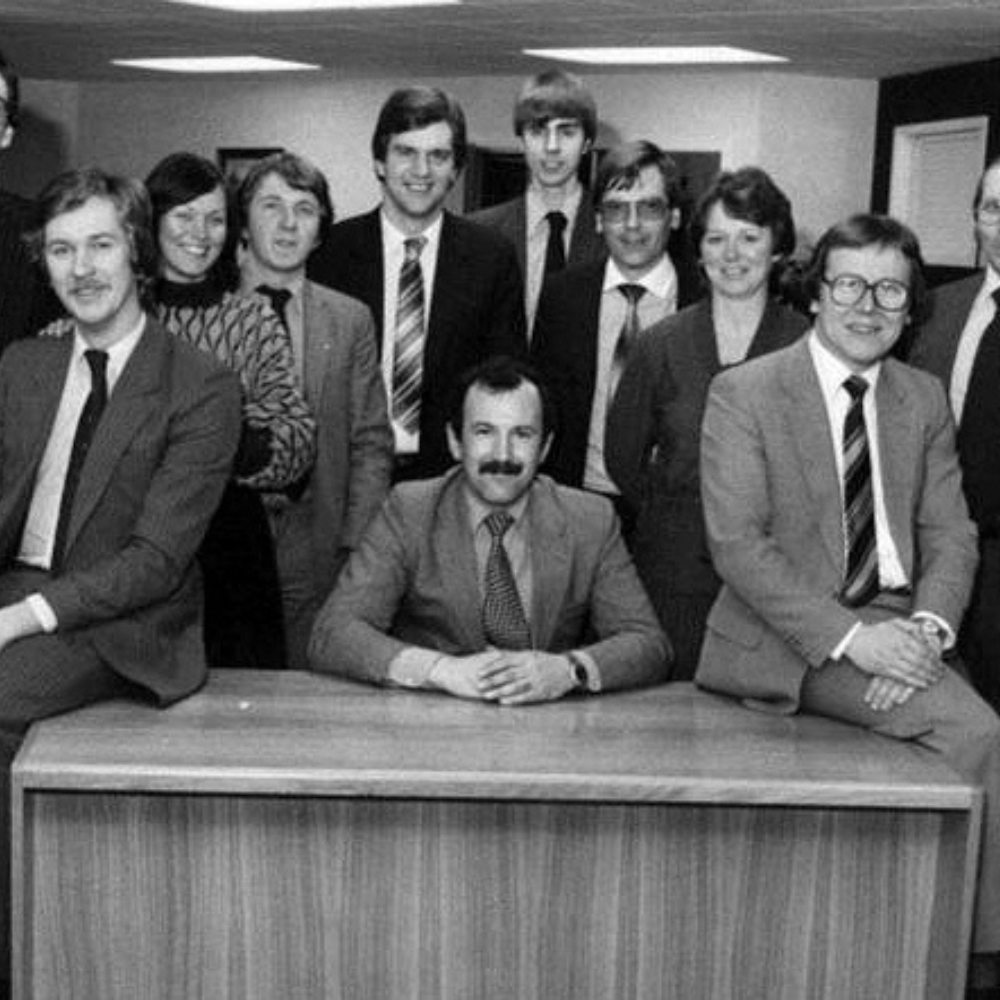
Capital Document Solutions and Highland Office Solutions entered the marketplace in the 1970s. We are known as a managed print specialist supplying Canon, Sharp, Ricoh, Konica Minolta printers and MFD’s throughout Scotland from our offices in Edinburgh, Glasgow, Aberdeen and Inverness.
Passionate about giving our clients sound, ethical business advice coupled with exceptional local service and support, we’re now Agilico, a family of UK businesses, each with the same customer-first philosophy and deep expertise in managed print services and workplace technology.
Agilico is a name that reflects our shared mission to fully equip organisations like yours for success as you meet the new demands of rapid and continuous change. Rest assured you’ll still be at the heart of everything we do, and we remain very grateful for your business.
Find out more
Our Accreditations
News & Events
Our latest updates, blogs, customer stories
and whitepapers.

Agilico make environmental impact with win at Lothian business awards
We’re delighted with our win at the Midlothian & East Lothian Business Awards in the Environmental Impact Award category. The awards ceremony in March 2024 was attended by 260 guests…
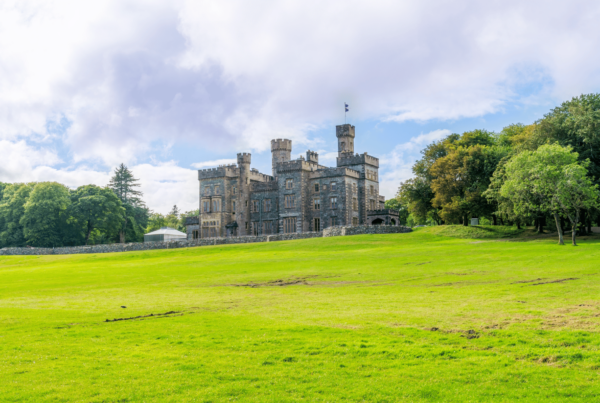
Celebrating 50 Years of Supporting the Western Isles
Agilico operates throughout the UK from Lands End to John o’ Groats and all points between, including the Western Isles of Scotland. Agilico, as Highland Office Equipment, is celebrating our…